Helping everyday people turn their moments into meaningful stories

CONTEXT
People watch billions of hours of video, but rarely make any themselves
Media consumption
then why do so few of us create videos about our own lives?
Our hypothesis
RESEARCH
Editing tools overwhelm beginners
After auditing tools, we found 3 parts to the process: pre-filming, filming, and post-filming.
They fail to address the entire process.
The creator journey: pre-filming
1. Think of an idea
Pain points
- Unsure what stories to tell
Opportunities
- Help users brainstorm story ideas
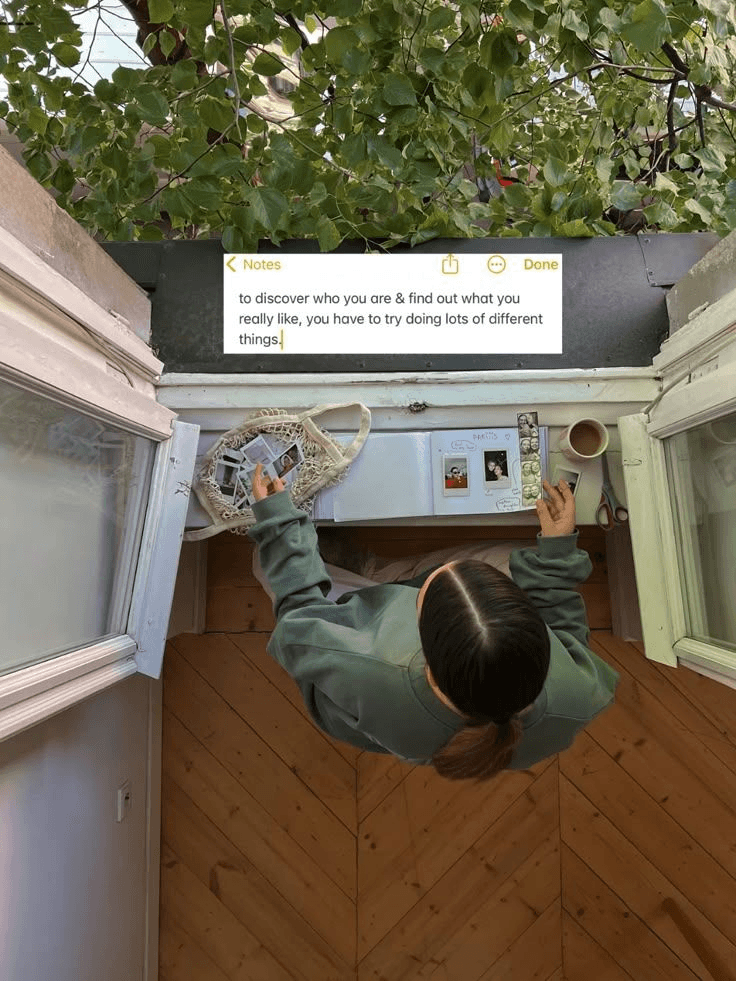
2. Plan story (scripting)
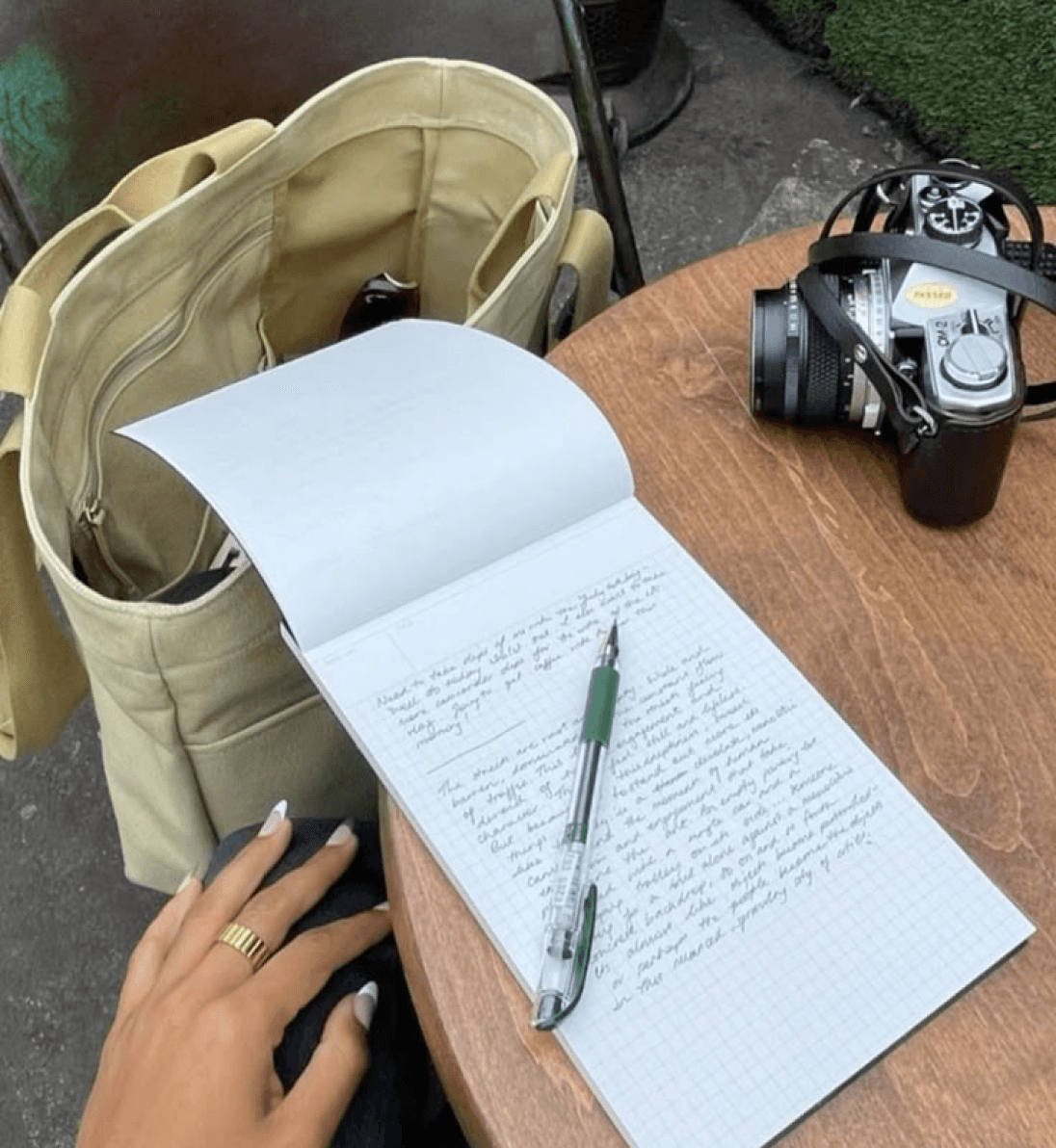
Pain points
- How do you make a story interesting?
Opportunities
- Help find + structure what's interesting
The creator journey: filming
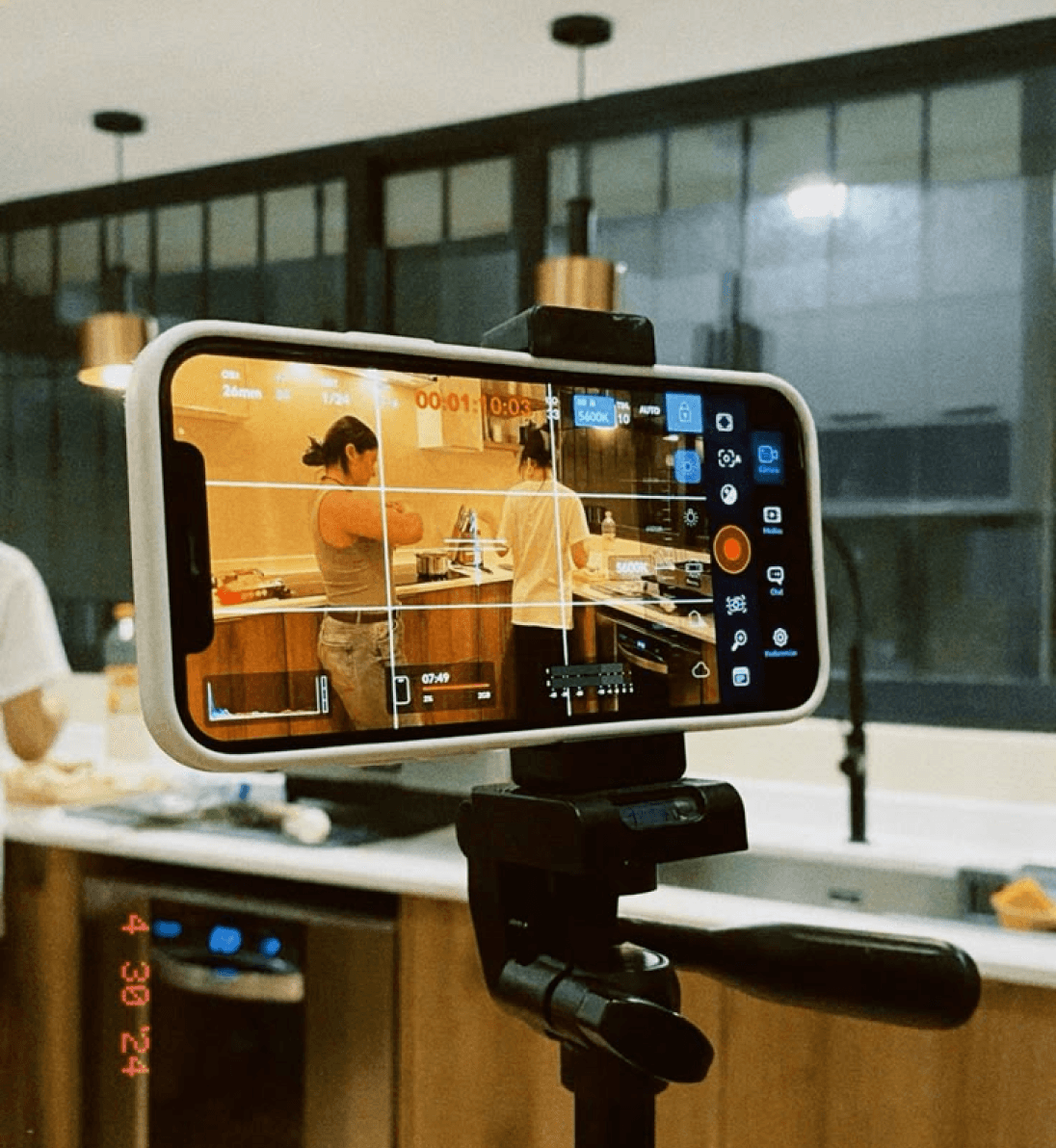
Record clips
Pain points
- Doesn’t know how to film
- Doesn’t know what to film
- Doesn’t know what to say
Opportunities
- Help users become comfortable
- Help users know how + what to film
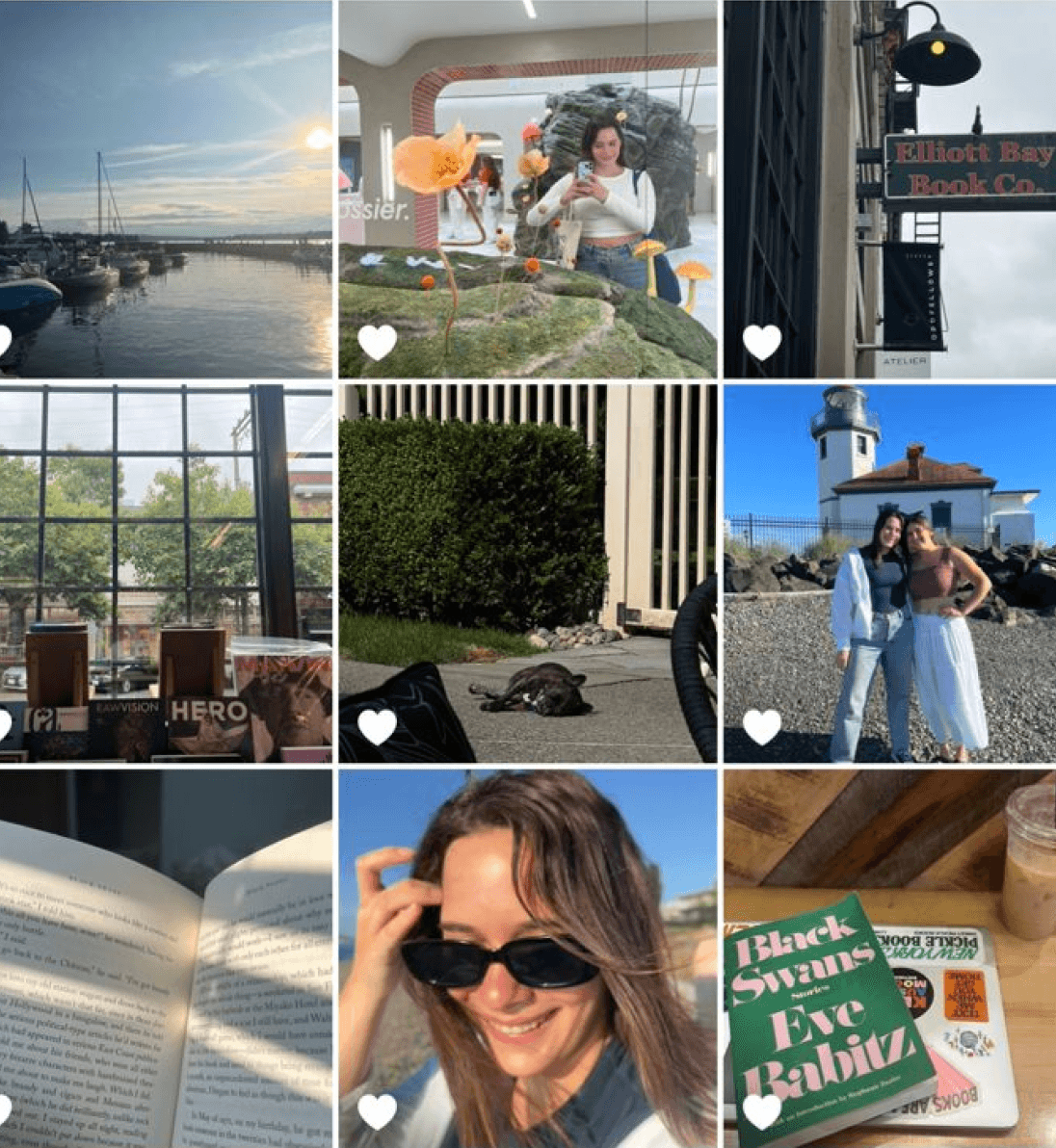
Review and organize clips
Pain points
- Too much content to review
Opportunities
- Help users sort through content
- Intentionally get rid of clips
- Eliminate sorting
The creator journey: post-filming
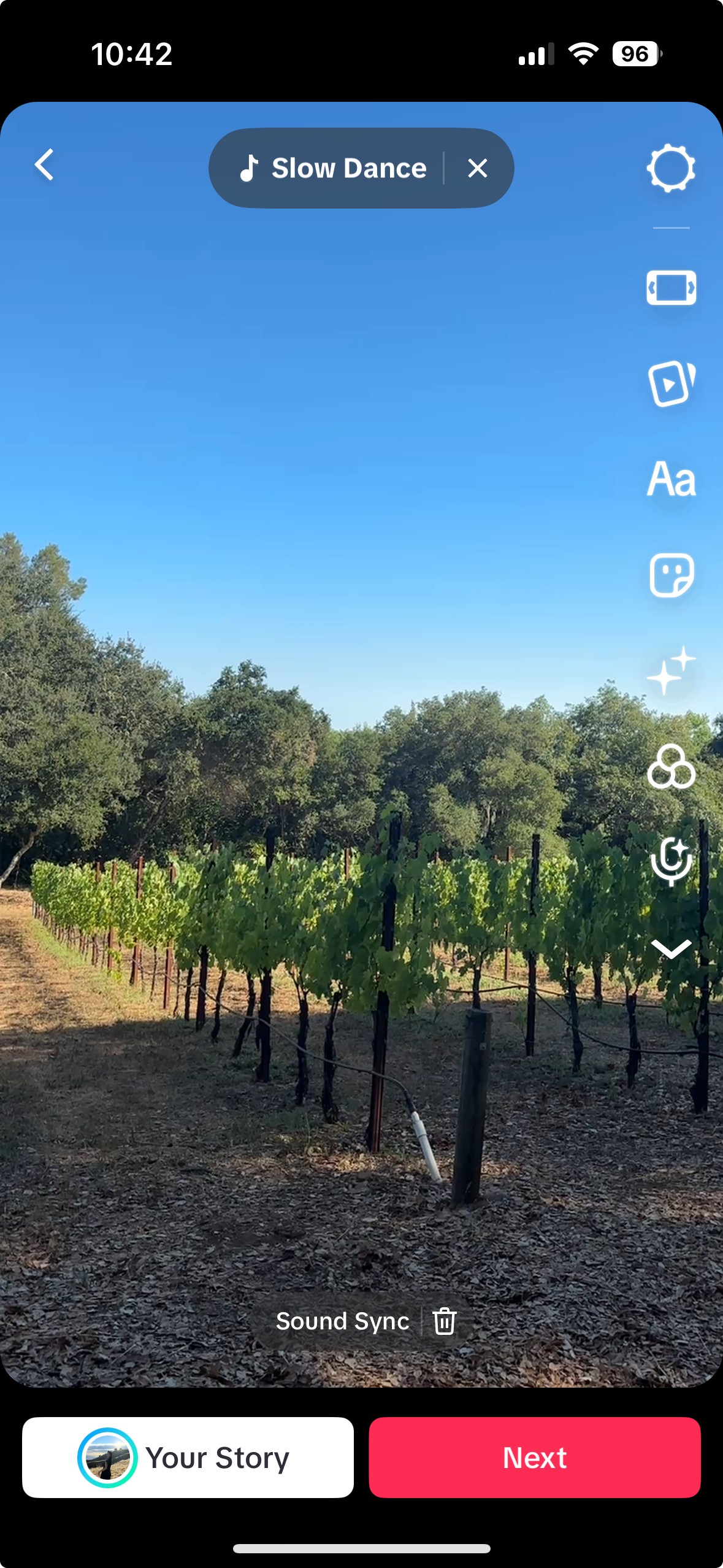
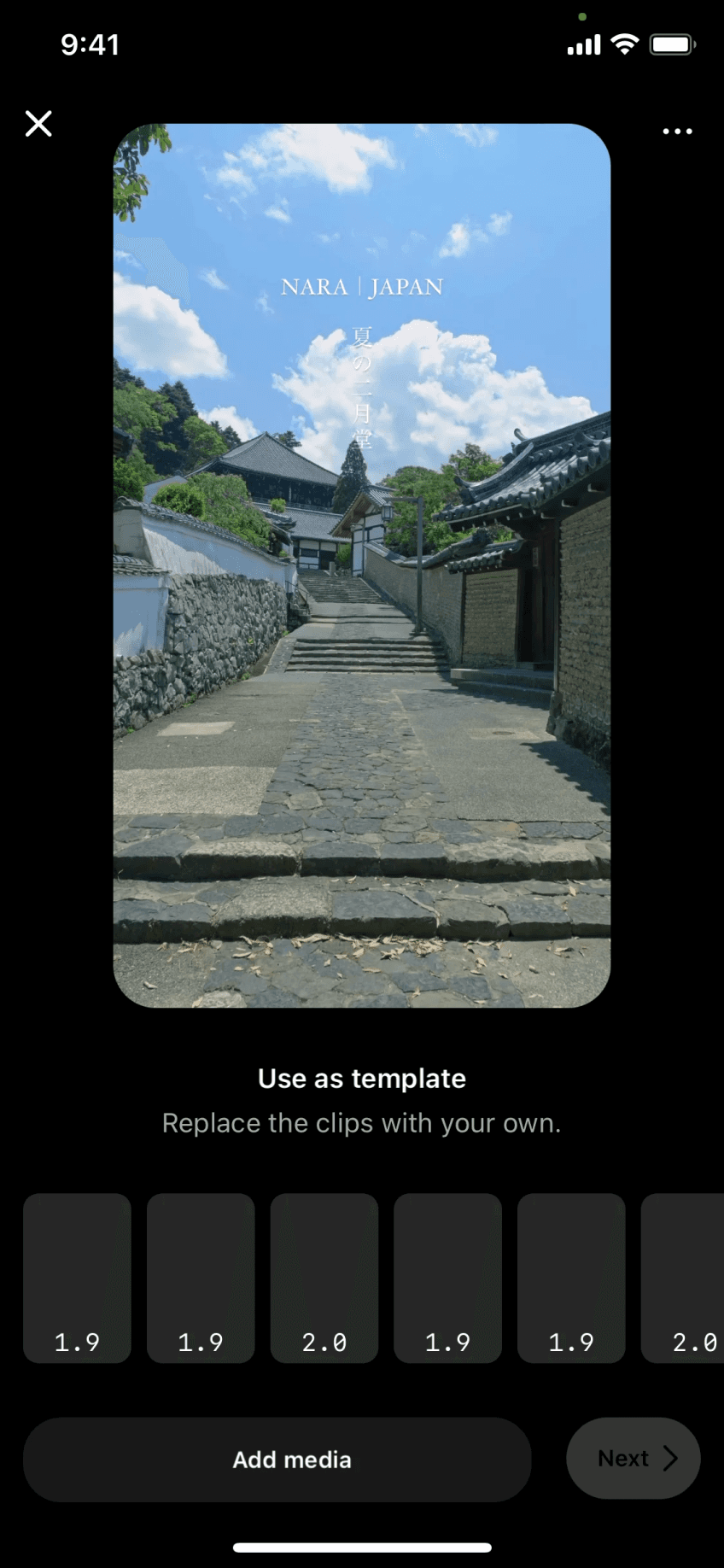
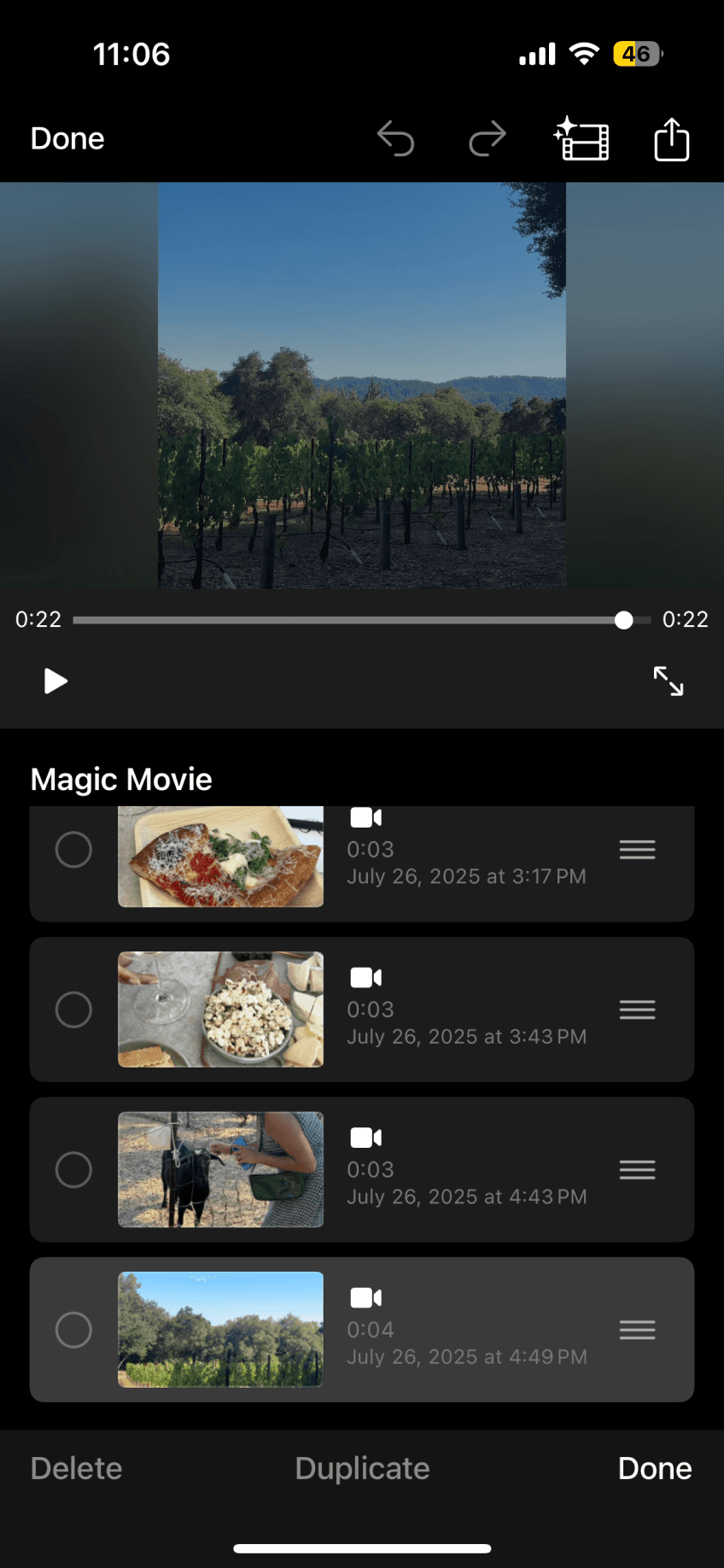
THE PROBLEM
Beginners sporadically film but can’t connect the dots
Video editing tools focus on editing rather than storytelling, which alienates beginners.
User interviews
What story do I tell?
DESIGN PRINCIPLES
Designing for people who are just getting started
Guidelines that help reduce friction, build confidence, and make storytelling feel intuitive.
Fail forward
Make the vision visible
Center authenticity
The shift
SOLUTION
A Walkthrough of a trip to Napa Valley
A real story. Amy captured clips on the go, but didn’t assemble the story until she was back home.
User adds a note about the itinerary before the trip
User selects how to frame their story based on their note
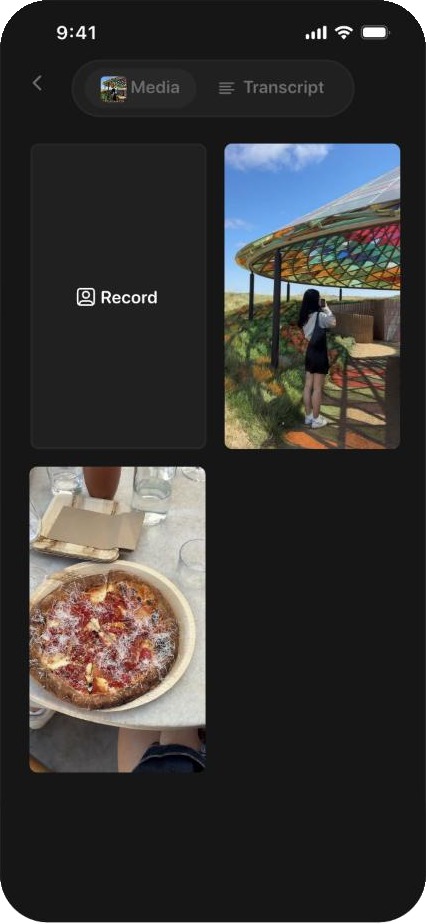
User has downtime and adds media to the brainstorm page
User generates script based on all their uploaded media
STORY FINDING WITH AI
If editing isn’t the bottleneck, story discovery is
Our tool needed to help users find, shape, and express their story.
Redefining the input
Maximizing context (why audio matters)

Designing for better output
MEDIA CONSTRAINTS
Removing the pressure to have the “perfect” media
A lack of media should never be a blocker.
Making talking to the camera less scary
Designing a frictionless recording flow
Recording became modular
Expanding media beyond video
RETHINKING THE TIMELINE
Traditional timelines assume expertise
A blank timeline kills momentum.
Narrative-first approaches
Embedding media inside text
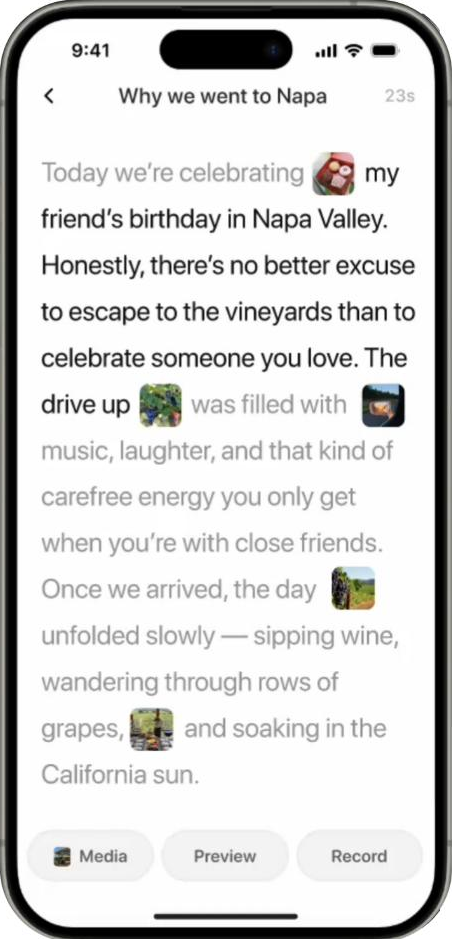
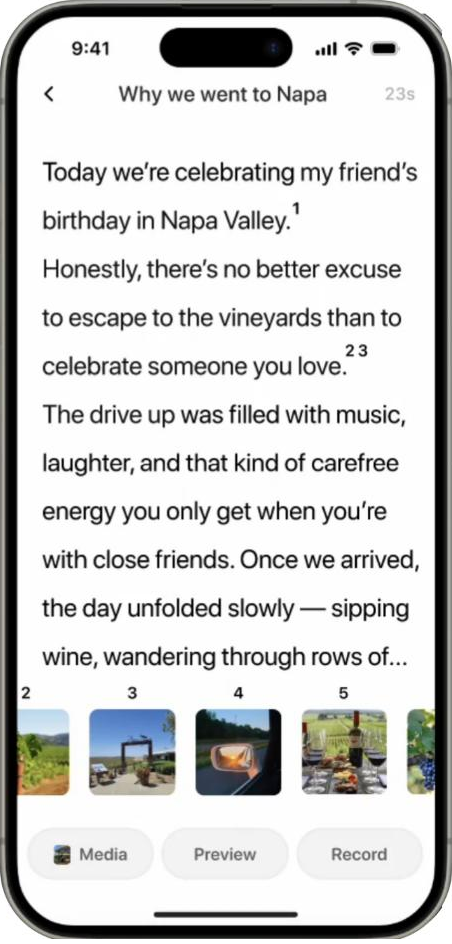
Overlaying text on clips
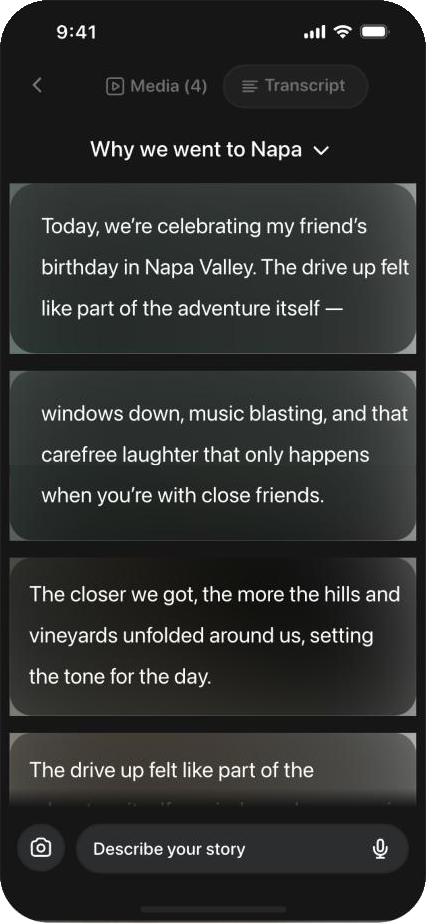
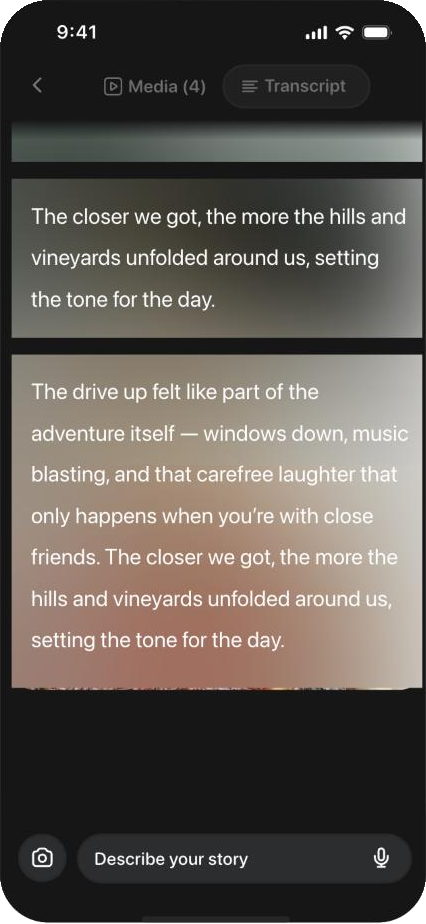
Separate media and text tabs
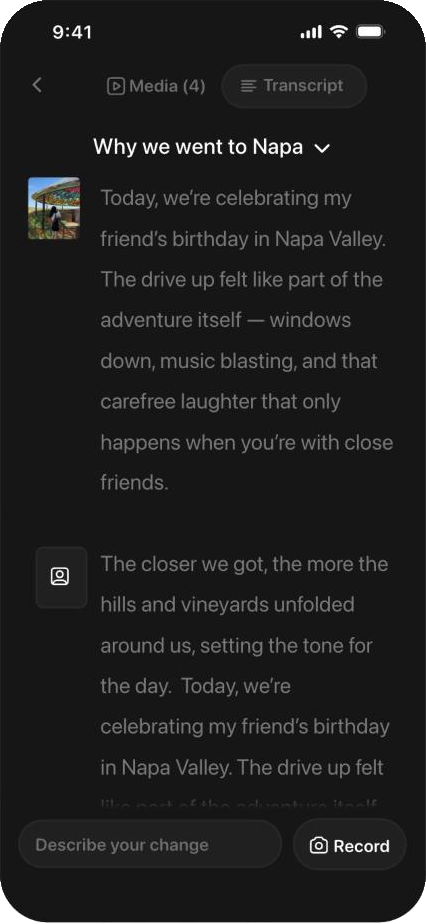
RESULTS
A few key takeaways
Story drives everything
Beginners don’t need the perfect footage. They need a clear story arc to finish what they start.
Comfort matters
Recording issues weren’t about forgetting. The real barrier was emotional - feeling comfortable talking.
Prototype to learn, not to prove
Early prototypes surfaced what didn’t work. Fast iteration led us to more natural, forgiving flows.
Build around real, not ideal behavior
Instead of designing for perfect filming scenarios, we built for reality: scattered clips, missed moments, etc.
RESULTS
Plenty more lives in the design archive
Please reach out if you want to see earlier explorations, alternate flows, or more!